Say what you spent. It's logged.
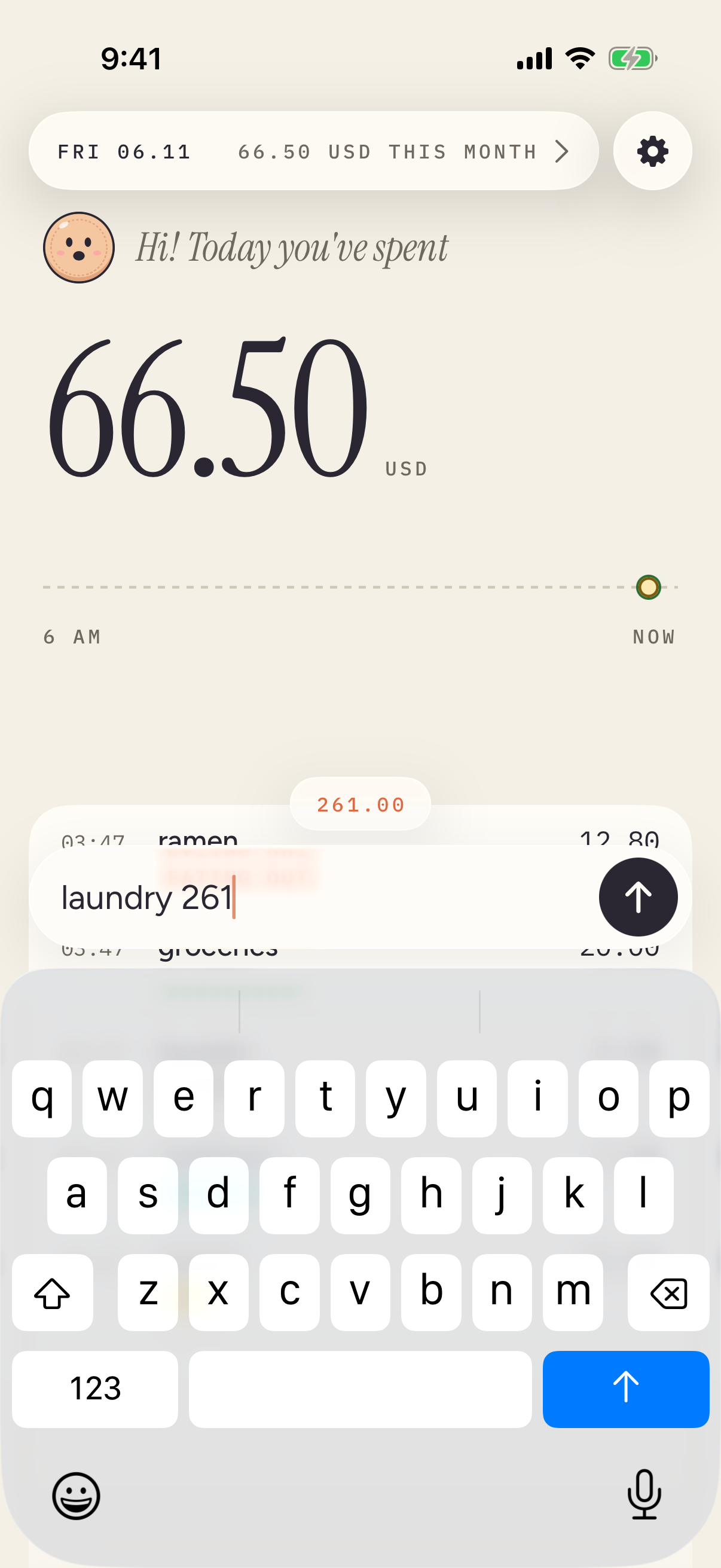
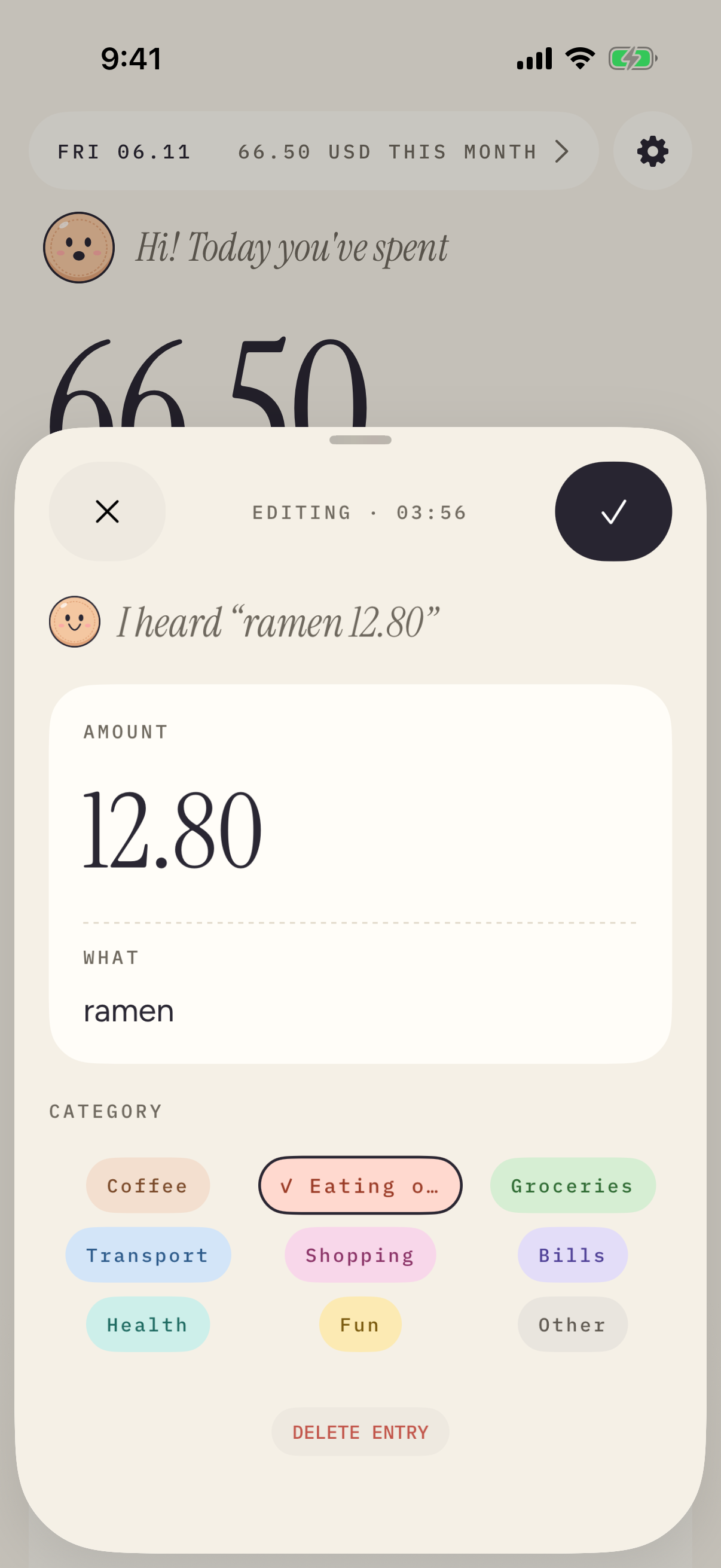
Type or say a sentence. Penny finds the amount and the category on your iPhone.
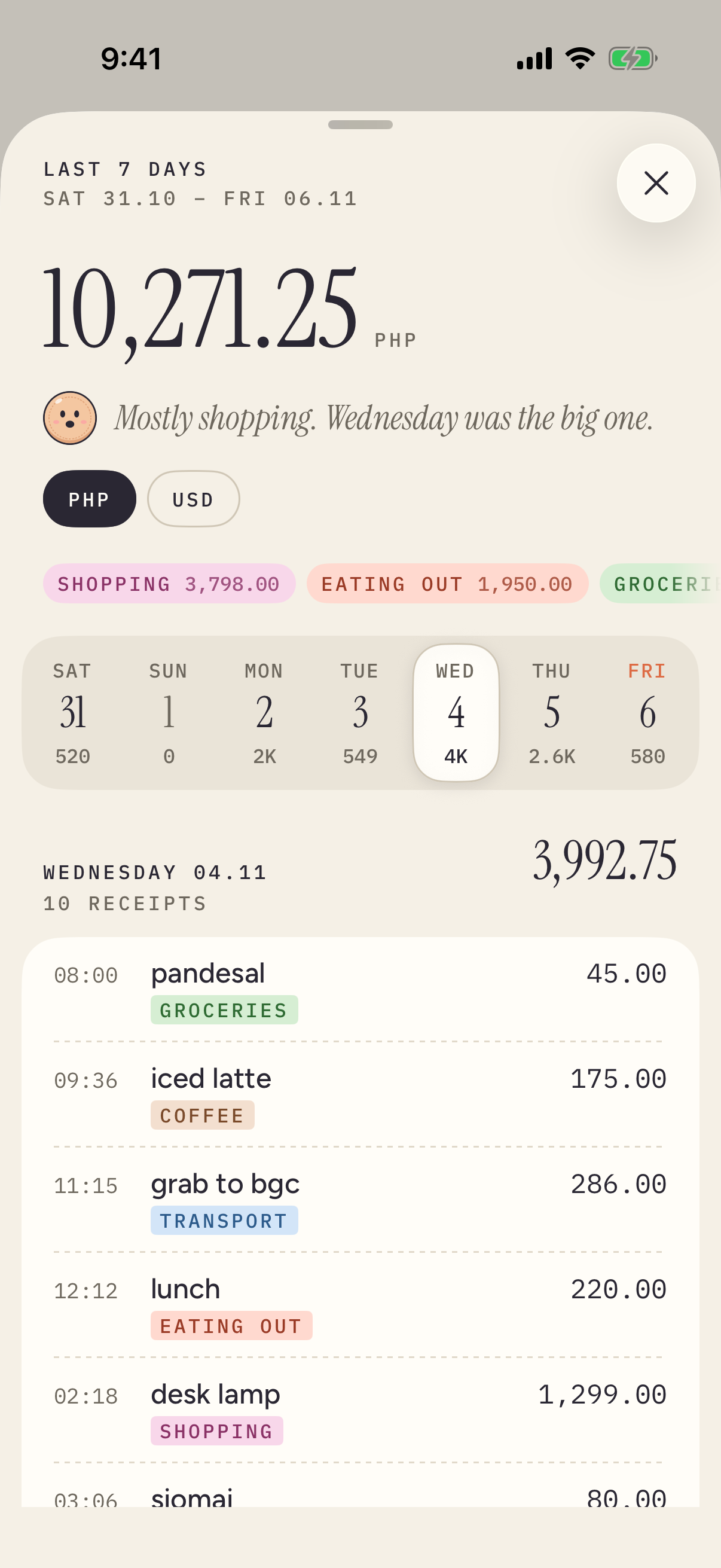
Free · No account · iOS 26 or laterA day, as it happened.
19:30NOW
Type it the way you'd say it.
“grab to office 6.20” is enough; Penny finds the amount and the category.
Or hold Penny and say it.
Speech is recognized on your iPhone and never sent anywhere.
Apple Pay logs itself.
One Shortcuts automation logs the cards you choose, even on a locked iPhone.
Hands on the wheel.
Say “Log an expense in Penny” to Siri on a locked iPhone or in CarPlay.
19:30
SAT 07.11443.80 USD THIS MONTH
Hi! Today you've spent
31.50USD
6 AMNOW
- 08:31grab to office Transport6.20
- 12:36ramen with ana Eating out12.80
- 15:10Cafe Luna Coffee4.50
- 18:40parking Transport8.00
18:40
Saturday 7 November
Expense logged.
Penny · in CarPlay
Still locked. No amount spoken aloud.